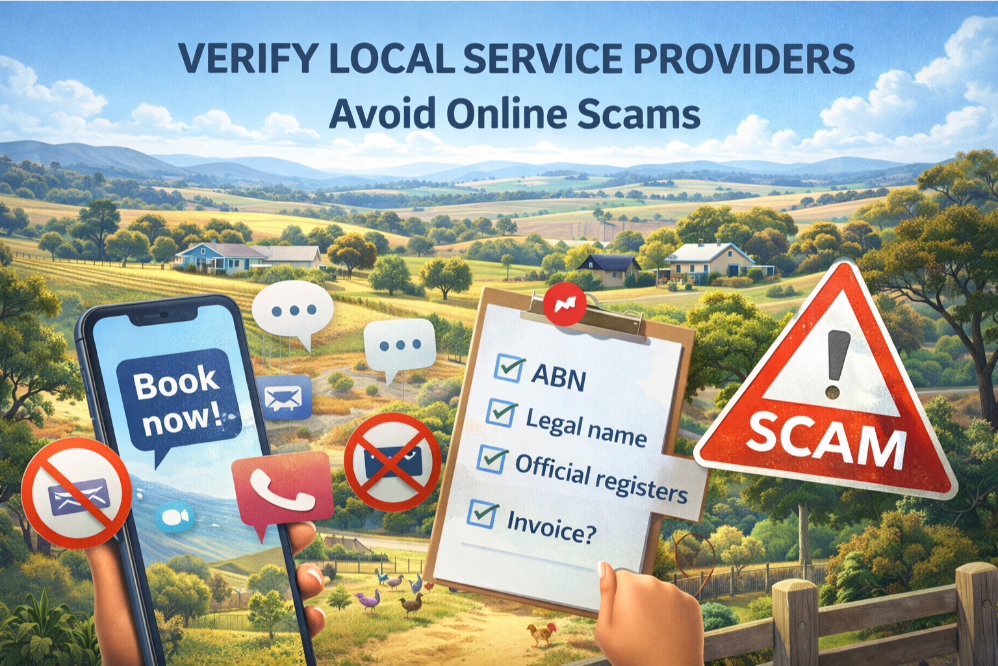
This page is a practical heads-up for Morangup and the wider Wheatbelt. It exists because a small pattern shows up in local groups over and over: a brand-new “service” profile appears, asks people to book via Messenger only, and provides little or no verifiable business detail.
Messenger isn’t the problem. “Messenger only, no verifiable identity, and big claims” is the problem. Morangup Residents Group – safety note
Why “Book via Messenger only” can be a red flag
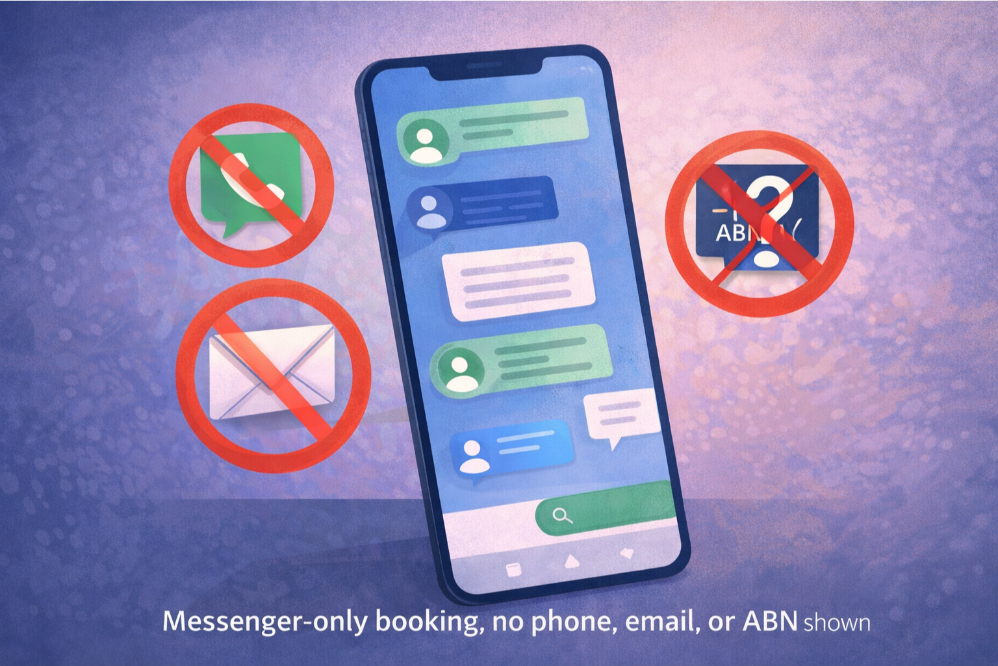
Messenger-only contact can remove the public trail. If there’s no phone number, email, website, ABN, or legal name, Messenger becomes the only handle you have — and that’s a weak handle if something goes wrong.
Plenty of real locals use Messenger to chat. Scammers also prefer it because it keeps everything private, makes the public trail thin, and lets them move fast. If there’s no phone number, email, website, ABN, or legal name, Messenger becomes the only “handle” you have — and that’s a weak handle if something goes wrong.
Common patterns we see in local service scams
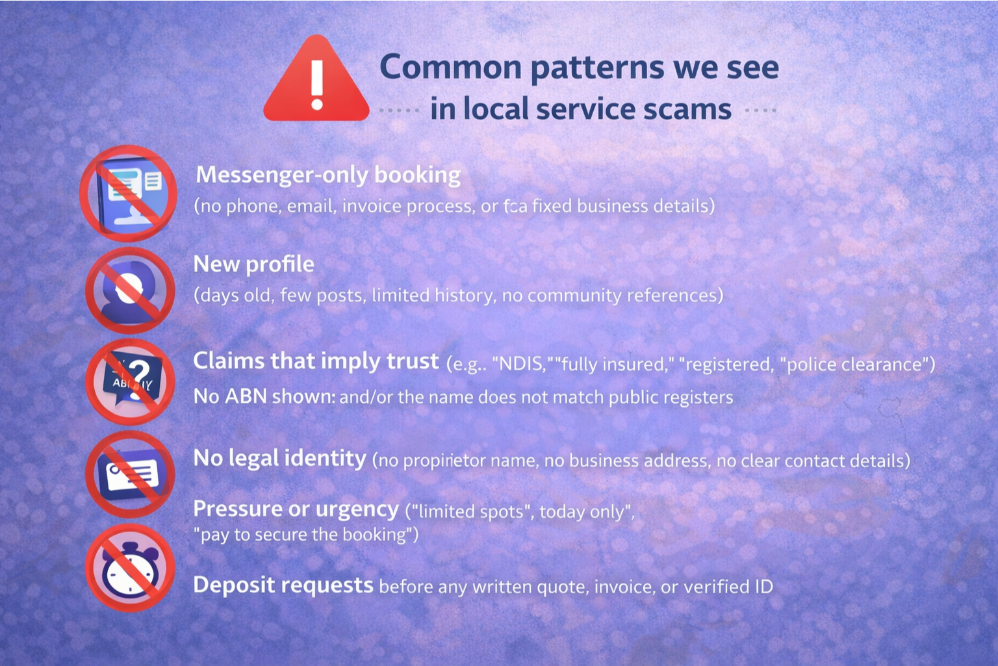
- Messenger-only booking (no phone, email, invoice process, or fixed business details).
- New profile (days old, few posts, limited history, no community references).
- Claims that imply trust (e.g., “NDIS,” “fully insured,” “registered,” “police clearance”) without proof.
- No ABN shown and/or the name does not match public registers.
- No legal identity (no proprietor name, no business address, no clear contact details).
- Pressure or urgency (“limited spots”, “today only”, “pay to secure the booking”).
- Deposit requests before any written quote, invoice, or verified ID.
NDIS mention: what to treat as “proof” (and what not to)
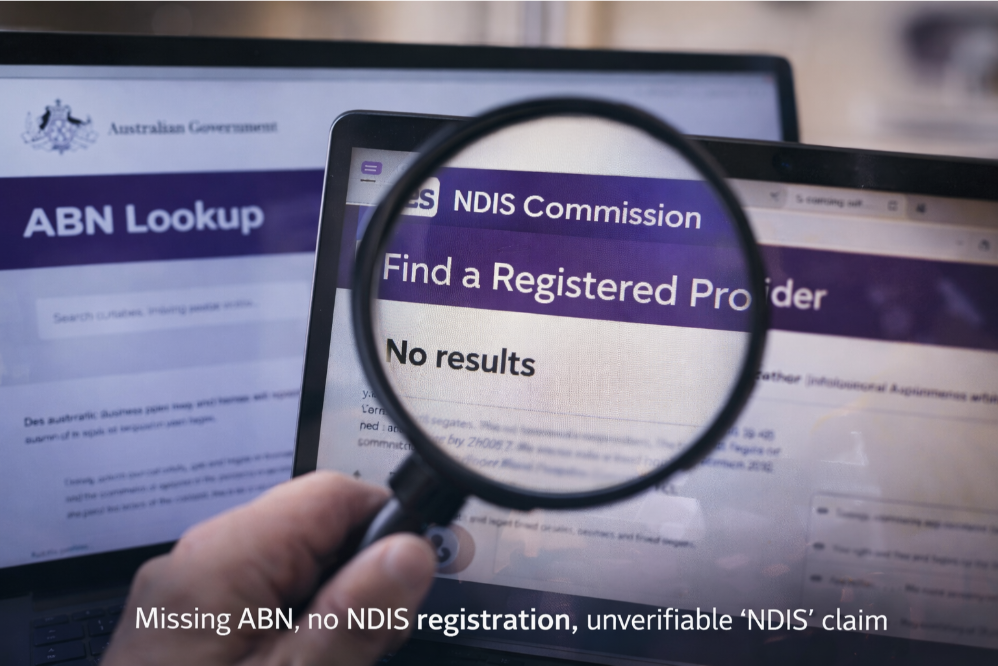
“NDIS” is sometimes used as a trust signal. If someone claims they are NDIS registered, that status should be verifiable under the legal entity name in the official government provider register.
“NDIS cleaning” gets used loosely online. It can mean:
- They have cleaned for someone who receives NDIS funding (not proof of registration).
- They understand support-worker style expectations (still not proof of registration).
- They are actually a registered provider (this should be verifiable).
If someone is presenting themselves as NDIS registered, you should be able to confirm that via the official register. If the name they are using does not appear, ask for their registered legal entity name and/or their ABN, then verify again.
How to verify a local service provider safely (quick checklist)
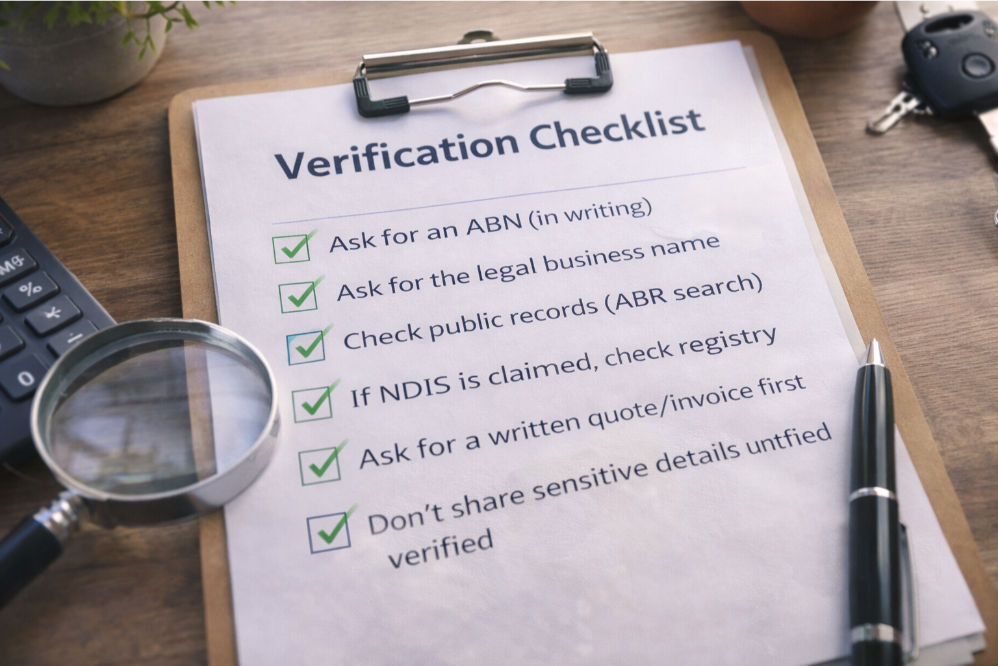
- Ask for an ABN (in writing). A legitimate business should be able to provide it.
- Ask for the legal business name (not just the page name).
- Check public records (ABR search) using the ABN or legal name.
- If NDIS is claimed as “registered”, check the NDIS registered provider listing using the legal name.
- Ask for a written quote / invoice with business details before any deposit.
- Do not share sensitive details (access codes, routines, when you’re away, keys, gate codes) until verified.
What to do if a post looks suspicious
- Do not dogpile. Report it to admins/mods and keep comments factual.
- Ask for verifiable basics: ABN, legal name, phone/email, invoice terms.
- Do not send deposits to new profiles with no verifiable identity.
- Screenshot the post before it’s edited or removed (keep for moderation records).
- If you’ve paid and it feels wrong, contact your bank/payment provider immediately.
If you’re a legitimate new local business
New businesses are welcome — but you will get fewer questions if you lead with proof:
- ABN and legal business name (publicly shown)
- Phone and email contact
- Clear location/service area
- Written quote/invoice process
- If claiming registration (NDIS, insurance), provide verifiable details
Official checks and reporting resources
-
NDIS Quality and Safeguards Commission – Registered Providers
Official register for checking whether a business or entity is an NDIS registered provider. If a service claims NDIS registration, it should be verifiable here under the legal entity name. -
Australian Business Register (ABR)
Search tool to verify ABNs, legal business names, and registration status. Legitimate Australian businesses should be identifiable through this register. -
Scamwatch (ACCC)
National scam information and reporting service. Useful for identifying common scam patterns and reporting suspected scam activity. -
Australian Competition & Consumer Commission (ACCC)
Consumer protection authority covering misleading conduct, false representations, and unfair business practices. -
Consumer Protection WA
Western Australia’s consumer protection agency. Handles complaints about traders, misleading claims, and unlicensed business activity in WA. -
WA Police – Financial Crime
Information on fraud and financial crime in Western Australia. Serious or repeated suspected fraud may be reported through WA Police channels.
MRG moderation position
The Morangup Residents Group may temporarily restrict or suspend service posts that cannot be verified to a basic standard (legal name/ABN/contact details), especially where regulated claims are made (e.g., “NDIS registered”).